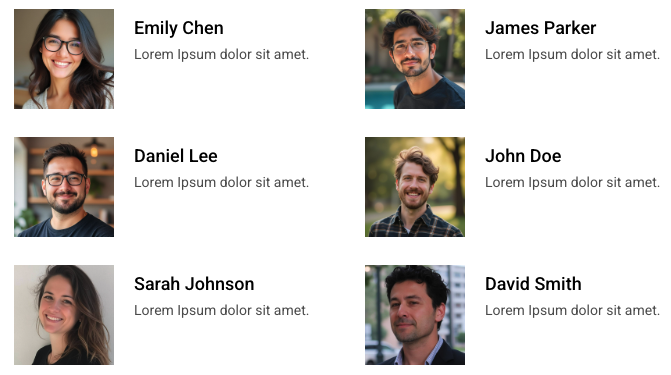
Display WordPress users in beautiful layouts with advanced querying and customization.
Perfect for team directories, author grids, or member listings.
The Dynamic Users widget helps you display user data in an organized, visually appealing way. Here are some common scenarios where it shines:
Team Directories – Showcase your company’s team members with photos, bios, and links.
Author Profiles – Display all blog authors, their bios, and post counts.
User by Role – Create separate sections for contributors, subscribers, or any custom roles.
Personalized Experience – Display information dynamically for the logged-in user.
You have full control over which users to display and how they are queried.
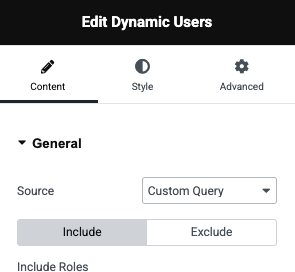
Custom Query: Filter users by role, meta fields, registration date, or other parameters.
Manual Selection: Pick specific users one by one using a search field.
Current User: Dynamically display the profile of the currently logged-in user.
Easily fine-tune which users appear and in what order.
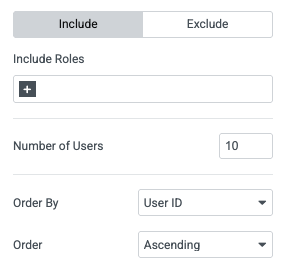
Include / Exclude Roles: Show or hide users by their roles.
Exclude Specific Users: Remove unwanted profiles from the list.
Order Options: Sort users by name, email, registration date, post count, and more.
Order Direction: Choose ascending or descending order to control the display.
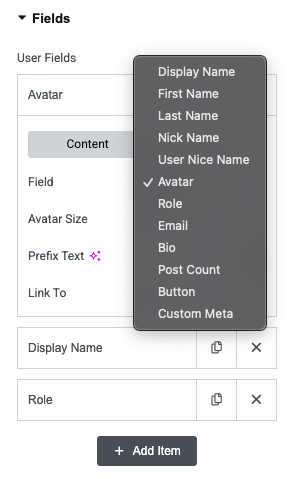
Choose what user information you want to show inside each user card.
Core Fields: Display name, username, email, bio, roles, avatar, post count.
Custom Meta: Show custom fields like phone number, department, or location.
Customizable Labels: Add prefix text like “Posts:” or “Email:” for clarity.
Links & Buttons: Turn avatars, names, or custom buttons into links to author pages or external URLs.
Create fully responsive user listings that look great on all devices.
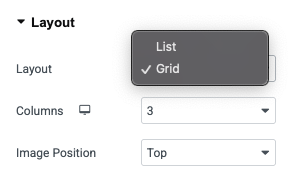
Grid or List Layouts: Choose between grid view for team sections or list view for member directories.
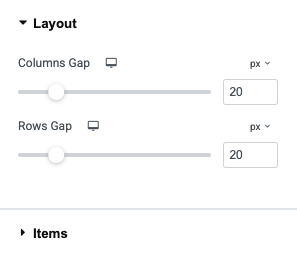
Adjustable Columns: Control how many users show per row.
Avatar Positioning: Display user profile pictures on the left, right, or top of the card.
Full Styling Options: Customize typography, colors, spacing, borders, and more – directly in Elementor.